IPTV app Windows
Köp en ny Windows-dator från någon av de större kedjorna, som till exempel Elgiganten, Power eller Webhallen. Vi rekommenderar inte att köpa en begagnad Windows-dator, då det är svårt att veta hur den har använts tidigare. Begagnade enheter kan ha blivit missbrukade, vilket kan ha skadat viktiga komponenter som hårddisk, processor eller RAM-minne. Dessutom är en dator inte alltid det bästa alternativet för att hantera stora IPTV-listor som kan innehålla hundratusentals titlar. Därför rekommenderar vi att du använder en Apple TV eller en Formuler Box för bästa upplevelse.
Om du redan har en dator, eller om du köper en ny, rekommenderar vi att du tar bort onödiga appar som inte används, för att frigöra lagringsutrymme och säkerställa en bättre prestanda.
Rekommenderade appar:





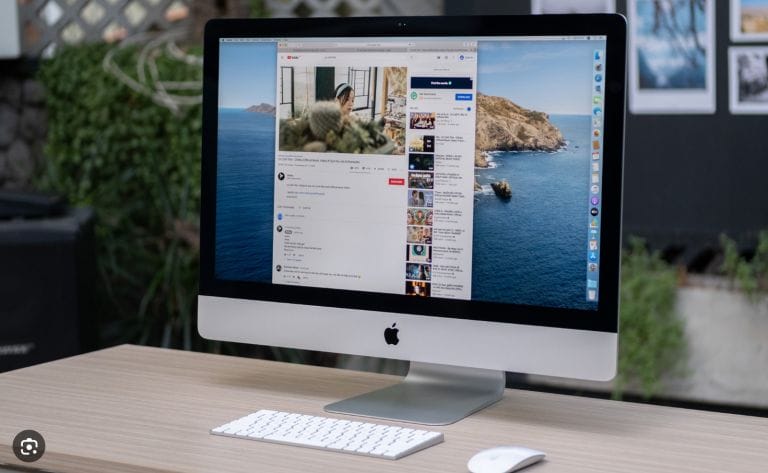
Ladda ned en IPTV Windows app
Sammanfattning
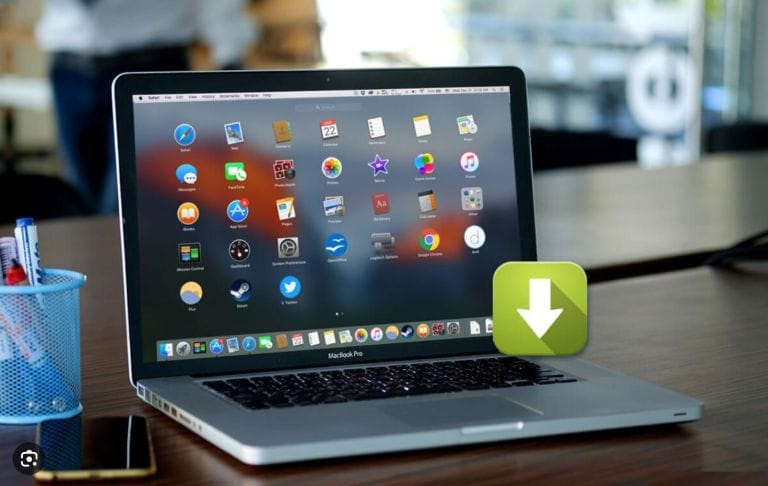
Sammanfattningsvis rekommenderar vi att du använder en Windows-dator för att få den bästa IPTV-upplevelsen. Börja med att se till att din dator är uppdaterad och rätt inställd. Anslut sedan datorn till internet, helst via en nätverkskabel, för att säkerställa en stabil och pålitlig anslutning. Ladda ner en IPTV-app, såsom VLC Media Player eller Kodi, och begär ett gratis test eller köp ett 1–12 månaders paket från oss.
Njut av ett stort utbud av kanaler, filmer, serier, dokumentärer och PPV-evenemang direkt på din Windows-dator!
Följ våra guider för rekommenderade appar och installationsanvisningar: