MAC IPTV Instruktioner
9 Oavsett om du streamar live-TV, filmer eller serier, ger Mac-plattformen en stabil och flexibel lösning för IPTV, vilket gör den till ett utmärkt val för både hemmabruk och när du är på språng. Mac IPTV är ett bra sätt att se på dina favorit kanaler även på resande fot!
Rekommenderade appar:






Mac IPTV - Kom igång
Kom ihåg att endast använda en app åt gången för bästa upplevelse!
Rekommenderade appar att börja med
De “relativt enkla apparna” är också lämpliga för nybörjare, men här behöver du besöka appens hemsida och ladda upp din spellista genom att kopiera och klistra in den M3U-länk du får från oss vid test eller köp.
Grundinställningar

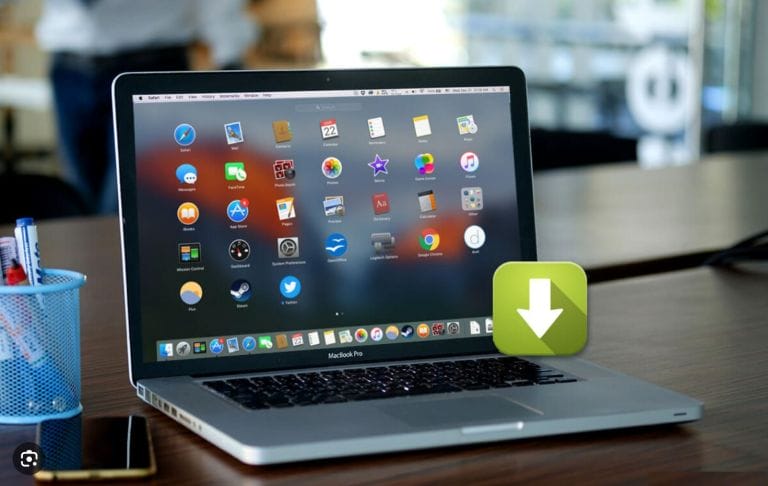
Ladda ned en Mac IPTV app
Idag finns det många olika IPTV-appar för Windows-datorer. Nedan ser du några som vi rekommenderar. Dessa appar fungerar utmärkt på alla Mac-datorer. Ladda helst ned apparna från App Store.
IPTV Smarters
Tivimate
SET IPTV
NET IPTV
IPTV Streamer
Duplex Play
Extreme IPTV Pro
Smart STB
GSE Smart IPTV Pro
IPTV - GRATIS TEST
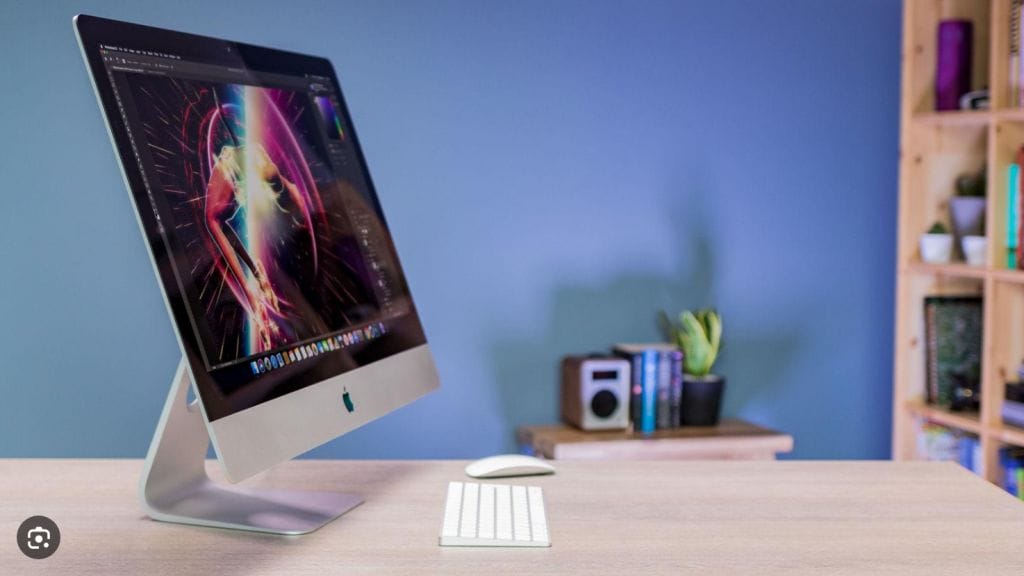
Varför Välja MAC för IPTV?
macOS erbjuder en perfekt kombination av stabilitet och användarvänlighet, vilket gör det till en utmärkt plattform för IPTV-tjänster. Mac-användare har tillgång till många program och appar som fungerar smidigt på macOS. Populära IPTV-appar som IPTV Smarters och GSE Smart IPTV ger en anpassad och smidig streamingupplevelse. Dessutom kan dedikerade IPTV-spelare installeras för bättre funktionalitet och flexibilitet. En annan fördel med Mac är att macOS får regelbundna uppdateringar som förbättrar både prestanda och säkerhet. Detta gör att du kan förvänta dig en säker och problemfri IPTV-upplevelse. Mac ger även en flexibel miljö som gör det enkelt att hantera andra uppgifter samtidigt som du streamar, vilket gör det till ett idealiskt val både för arbete och fritid.