The MyTVOnline apps can be downloaded to your box, but also to your mobile phone soon (MyTVOnline+).
The app is easy and convenient to get started with on your box regardless of model and is recommended for everyone who has a Formuler box. Although an Android box can provide several different apps, it is recommended that you only use MyTVOnline.
On this page you will find instructions for the following apps:
MyTVOnline1
MyTVOnline2
MyTVOnline3
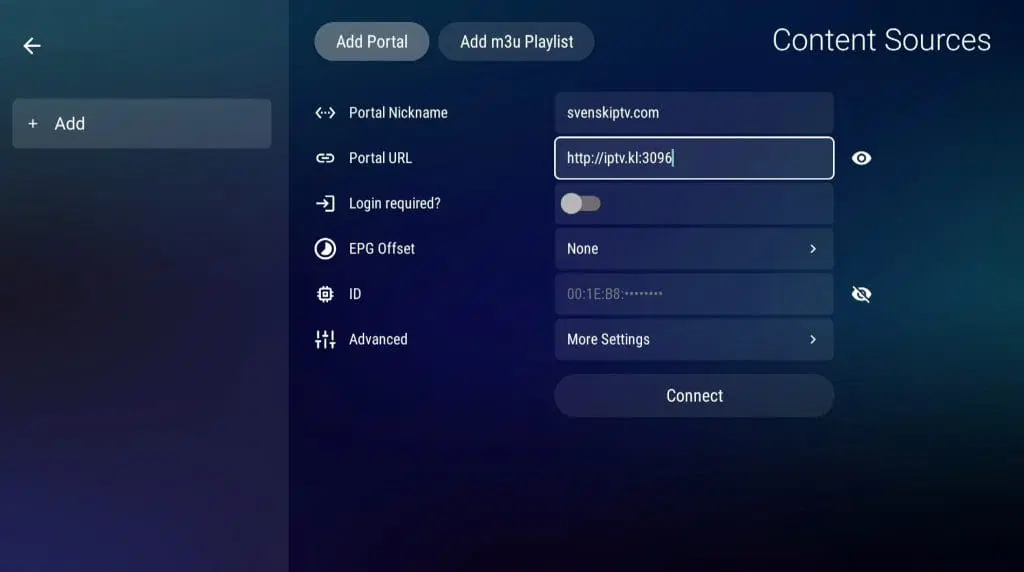
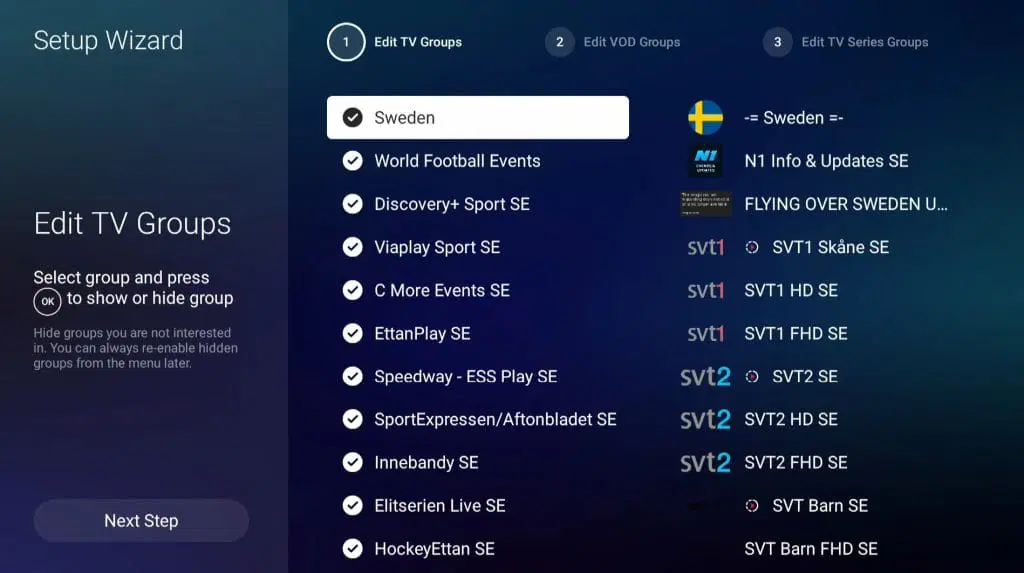
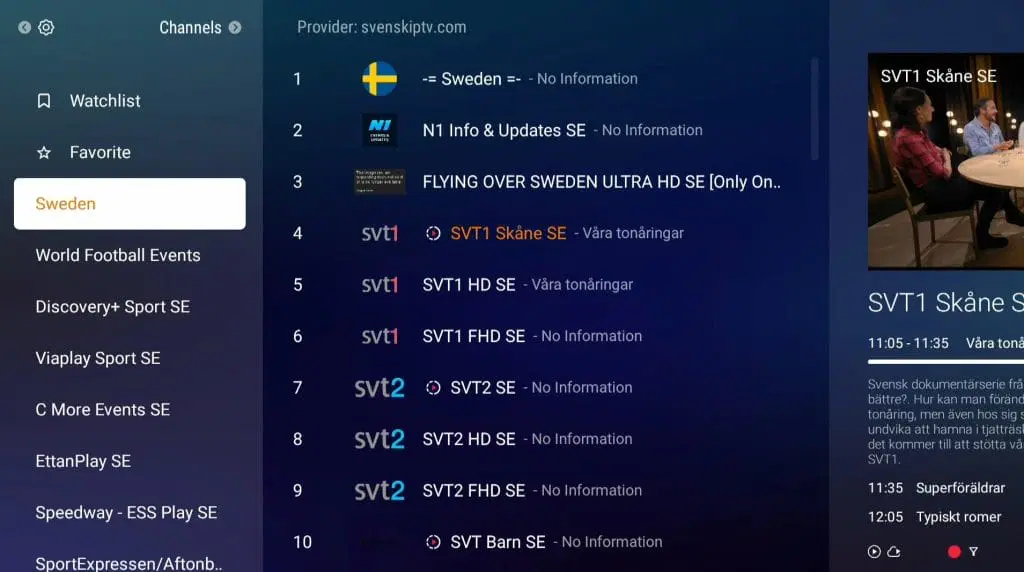
MyTVOnline3 is the most advanced version of the apps so far, before MyTVOnline4 is released. It is relatively easy to get started with and allows you to upload your channels in the following ways:
M3U link Xtream Codes API (Username) Via Portal
It is usually recommended to upload your IPTV playlist using the Xtream Codes API (i.e. with username, password and Portal URL that you receive from us upon purchase or free trial).
For MyTVOnline, when using a box, it is recommended to start via the Portal option instead. Further down you will find the instructions for this.
Restart your box. Done! 🙂
As you can see, it's very easy to get started. However, keep in mind that if you have an older box, you will likely need to provide us with your “Box ID” instead of “MAC address”.
MyTVOnline1 works well with older boxes. Since you can install both MyTVOnline1 and many other apps, these older boxes are still useful for watching TV. However, we recommend clearing out unnecessary apps that are not being used and considering a newer model, as today's IPTV lists are very large and contain hundreds of thousands of titles such as channels, movies, series and documentaries. MyTVOnline1 is the first app in the series, and there are currently three different versions.
MyTVOnline4 has not yet been released. It is expected to launch sometime in 2025, but that is a tentative date. The app is expected to be released together with a newer version of the Formuler box. Keep an eye on their website so you don't miss the release!
The apps are already pre-installed on your Formuler box when you start it up, depending on which model you have. If you accidentally delete the app, it can be downloaded again from the box’s “marketplace” or app store. You can also factory reset the box, and the app will reappear.