Instruktioner för Smart STB
Smart STB kan laddas ner till de flesta enheter idag och är relativt enkel att komma igång med, vilket gör den lämplig för de som är vana med appen sedan tidigare. Dock är det inte den enklaste appen att börja använda, och vi rekommenderar att nybörjare först provar IPTV Smarters innan de går över till en mer avancerad och stabil app som Tivimate, som dessutom erbjuder ett bättre gränssnitt.
På denna sida har vi samlat guider för hur du snabbt kommer igång med appen på olika enheter, oavsett om du använder Apple TV, Smart TV eller annan enhet.

Appen går att ladda ned från Playbutiken.
Smart STB är, som namnet antyder, den mest avancerade versionen av apparna, men den är ändå relativt enkel att komma igång med. Appen låter dig ladda upp dina kanaler på följande sätt:
M3U länk
Portal URL (via appen eller deras hemsida)
I detta fall rekommenderas det att du laddar upp dina IPTV-kanaler direkt via portalen. Följ instruktionerna nedan.
Steg 1
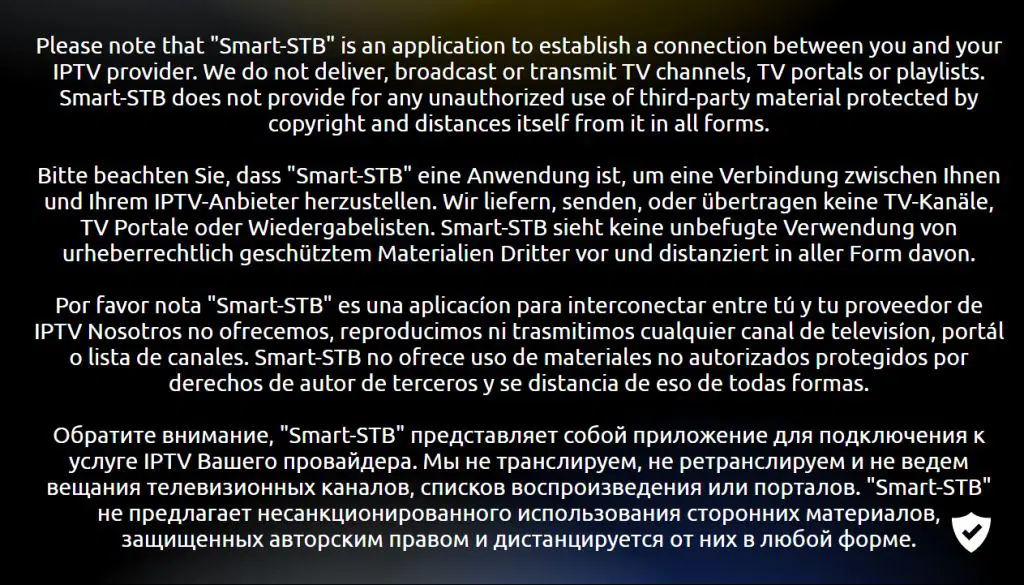
Börja med att ladda ner appen. När du startar den kommer denna ruta upp. Om den inte försvinner av sig själv trycker du på “OK”-knappen. Acceptera appens villkor om frågan dyker upp och godkänn att du får 7 dagars gratis provperiod av appen.
OBS! Du behöver ta fram din “Virtual MAC Address” och ange den i formuläret när du begär ditt gratis test eller köper vår tjänst. Se steg 3.
Steg 2
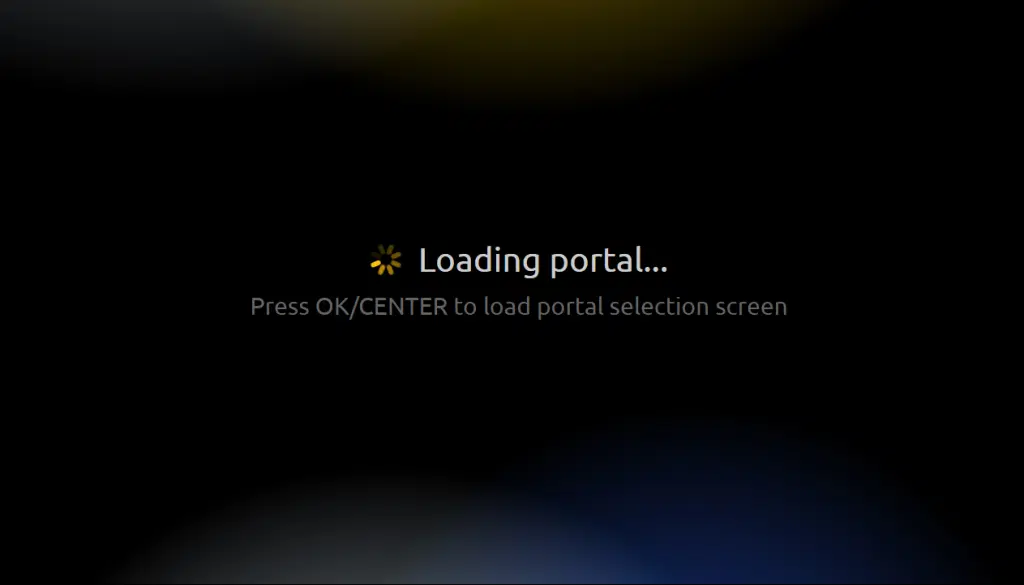
När du ser denna ruta på bilden, tryck snabbt på “OK”-knappen för att komma till inställningarna. Om du inte hinner göra det kan rutan bli svart och fastna i det läget. Då behöver du starta om appen eller i värsta fall TV:n genom att dra ut strömsladden.
Steg 3

Steg 4

Steg 5
I fältet “Namn” fyller du i “svenskiptv.com”. I fältet “URL 1” fyller du i vår Portal URL som du får när du begärt ett gratis test eller köpt vår tjänst.
För att kunna testa vår tjänst med Smart STB appen behöver du först ta reda på din Virtuella MAC-adress (som börjar på 00:1A:79). Du anger den sedan i formuläret på länken nedan efter att ha valt appen Smart STB i menyn.

Vart kan jag ladda ned appen?
Ladda endast ned appen från välkända källor som App Store eller Playbutiken, då nedladdning från osäkra källor kan leda till virusinfektioner.
Ladda ned Smart STB till följande enheter genom att trycka på texten nedan:
Android Boxar
Smart TV