

Instructions for IPTVX
IPTVX is one of the best apps for IPTV, in our opinion. It is easy to use and allows you to upload your channels in the following ways:
M3U link
M3U playlist with username, password and domain
Xtream API
Via SMB share
Folder via your local network
We recommend that you upload your IPTV playlist via Xtream API (with your username, password and portal URL that you receive from us upon purchase or free trial). This way your EPG (Program Guide) will be installed automatically in the background. If you choose M3U, you will need to manually enter your EPG link.
IPTVX is one of the most popular IPTV apps for Apple TV due to its great interface compared to other apps in the same category. The app is only available for Apple devices.

Step 1
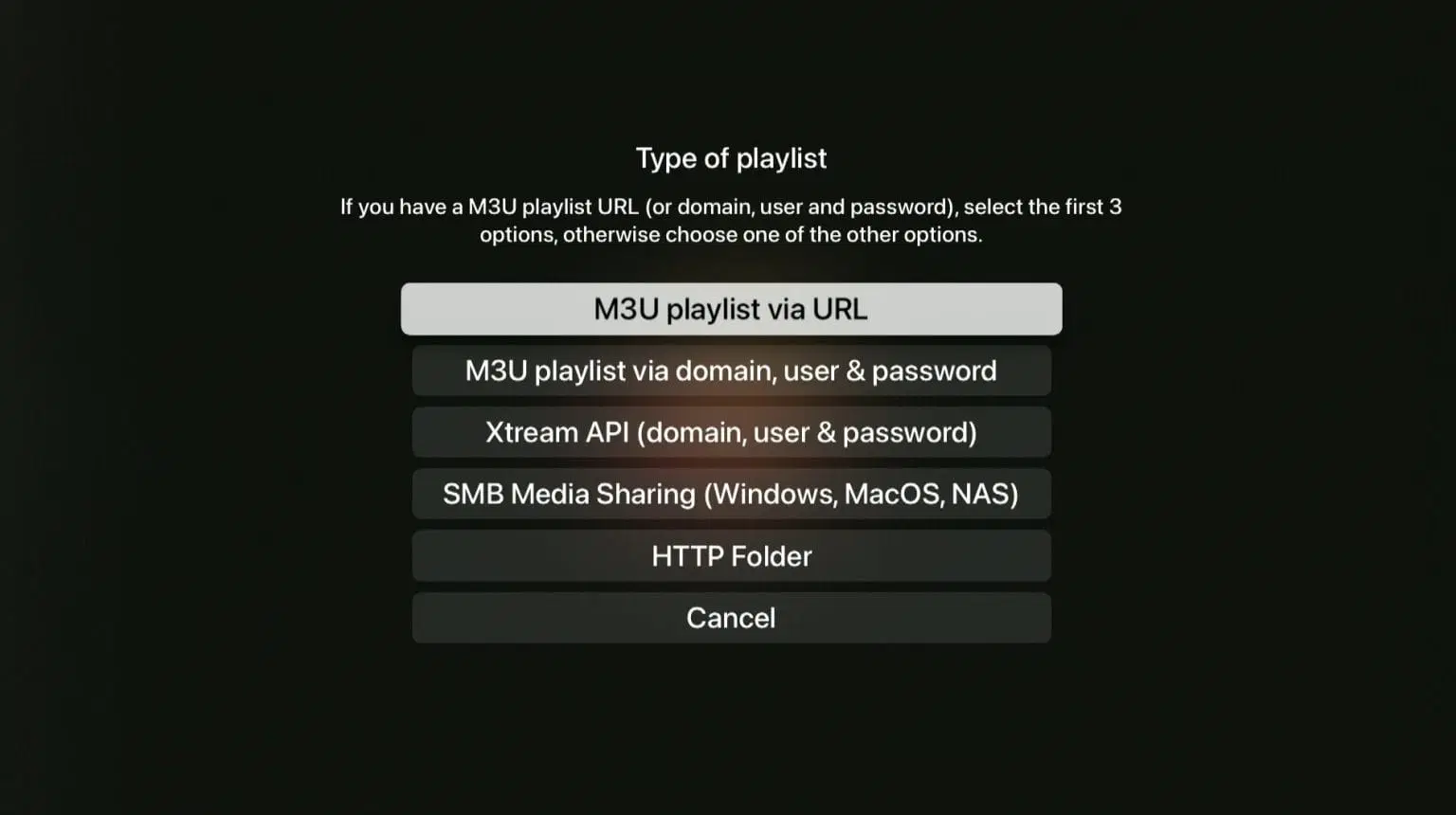
Open the app and select “Add playlist”. Then select the “Xtream API” option.
Step 2
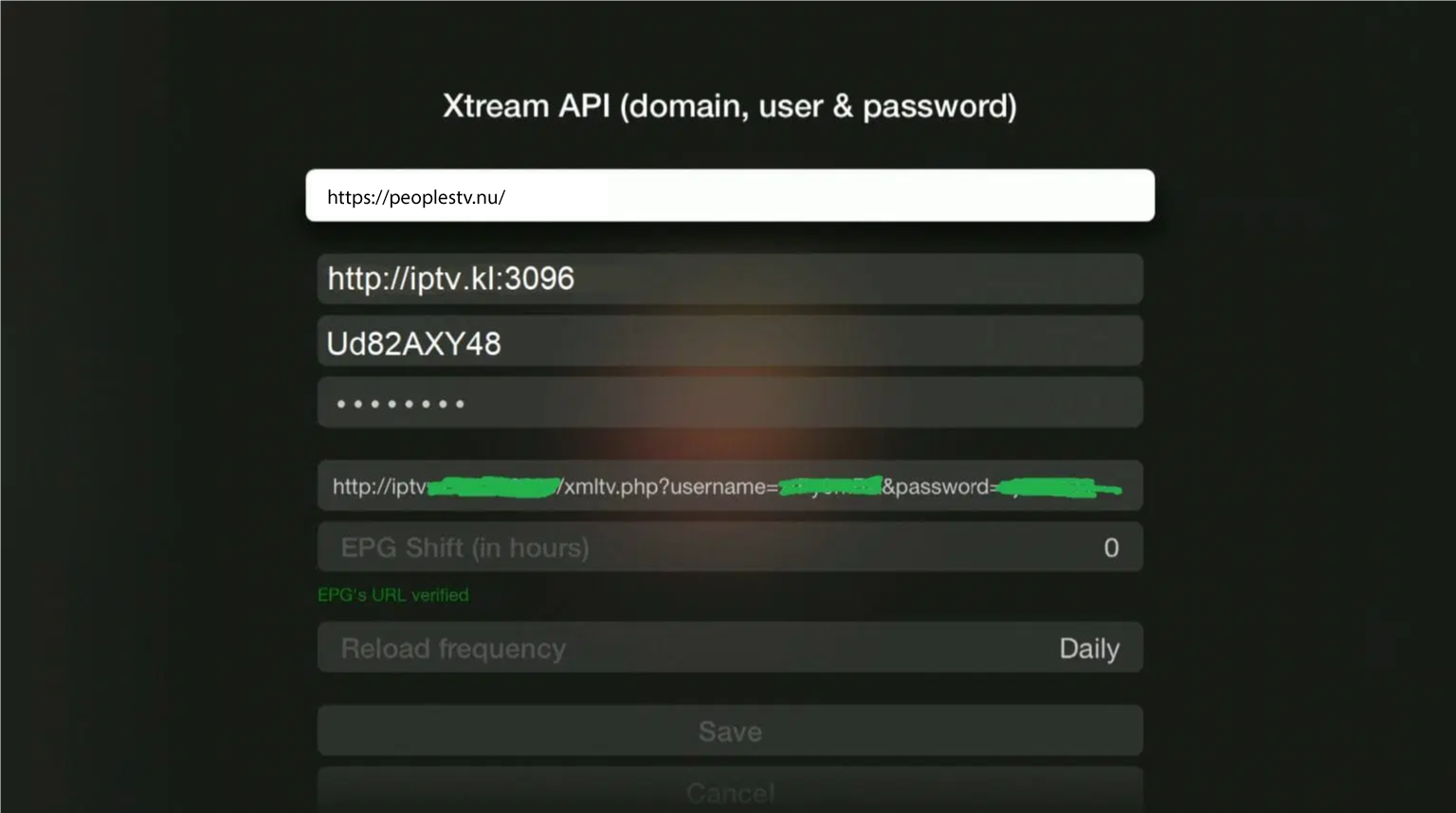
Give your new playlist a name, for example “svenskiptv.in”. Then fill in the details you received via email from us. Press “Save” to save.
Step 3
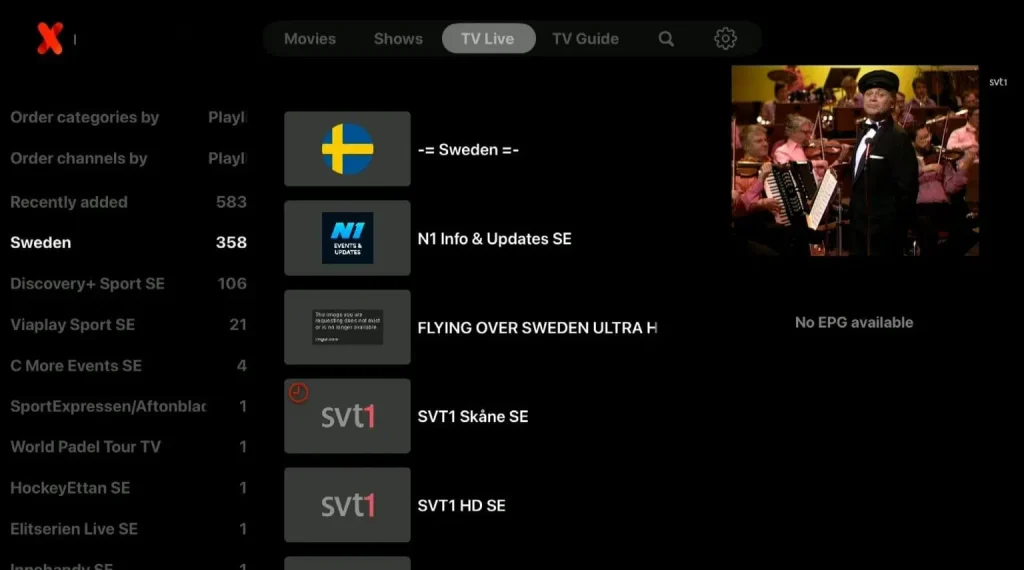
Select your new list using the remote control.

Step 4
Sure! The EPG is not visible in the image here, because we used a free trial when we created the guide.
Where can I download the app?
The app is not available for download from the company's website, but it is available on the App Store for your iOS device. Never download the app from sources other than the App Store, such as rogue websites, as they may be fake. Download IPTVX here.
IPTVX on Apple TV
The app works great with Apple TV. Since you can install IPTVX and many other apps, Apple TV is a great device for watching TV. We recommend that you clear out unnecessary apps and preferably use a newer model, as today's IPTV lists are often large and contain hundreds of thousands of titles, such as channels, movies, series and documentaries. Instructions for installation can be found here. It usually takes 5-15 minutes to get started with TV channels on your Apple TV. If you get stuck and need help, you can always contact our support. The best thing about the app is how easy it is to search for events, movies or channels. For example, if you search for a football match, it is often shown on several channels at the same time. If you search for “Real Madrid”, all channels that are broadcasting the match in real time will be displayed, so you can choose the stream with the best quality.